A printable sticker stands up to water when two things are true: its face is a plastic film instead of paper, and the ink is covered by a clear layer. With a home inkjet, that means printing on printable vinyl and pressing a self-adhesive clear laminate sheet over the print before you cut. A clear spray sealer is the lighter alternative. Neither makes a homemade sticker indestructible, and the sections below are plain about what each method survives.
Why Inkjet Stickers Run
Three parts of a sticker can fail when wet, and each needs its own answer.
The ink. Most home inkjet printers use dye-based color inks. Dye is dissolved in liquid, and it dissolves again when water reaches it, which is why a drop on a printed sheet leaves a blurred ring. Some printers use pigment inks, which are fine solid particles that resist water far better, and many pair a pigment black with dye colors, which still run. The specifications on the printer maker's website say which kind you have. Laser toner is melted plastic powder and does not run.
The face. Paper swells, softens and tears when it soaks, whatever is printed on it. A glossy coating slows this but does not stop it. Vinyl and other plastic films do not absorb water at all.
The edges. Every cut edge is an opening. On a paper sticker, water wicks in from the side even when the top is sealed. On any sticker, water that gets under a lifted edge works against the adhesive.
Waterproof vs Water-Resistant
No industry standard defines these words for craft materials. Avery's label guidance is a useful yardstick: water-resistant means a label withstands some splashing or spraying without smearing but cannot be submerged, and waterproof means it can be submerged and not smear.
"Waterproof" on a pack usually describes the film, not your ink on top of it, and the makers' own pages attach conditions:
| Product | Claim | Condition |
|---|---|---|
| Avery durable white film labels | Waterproof | With a laser or pigment inkjet; with a dye inkjet, only water-resistant to accidental splashes |
| Online Labels weatherproof matte inkjet film | Withstands direct contact with moisture | Light-to-moderate exposure; beyond that, an extra coat of protective spray |
| Cricut Printable Waterproof Sticker Set | Waterproof and UV resistant up to 2 years | Printable vinyl plus a laminate sheet; hand washing recommended |
Three levels are worth telling apart:
- Splash-proof. Survives drips, condensation on a cold bottle and a wipe with a damp cloth.
- Wash-resistant. Survives being rinsed and washed gently by hand, as long as it is not soaked or scrubbed.
- Fully waterproof. Survives long soaking, dishwashers and years outdoors. This is the territory of commercially printed decals, which are made with different inks on outdoor-grade vinyl.
A careful home method reaches the second level, and that is the one to aim for.
Method 1: Printable Vinyl Plus Clear Laminate
This is the standard method for bottle, lunch box and laptop stickers. You need inkjet printable vinyl and self-adhesive laminate sheets.
- Print on the vinyl with the paper type set as described in how to make stickers at home.
- Let the ink dry completely. Half an hour is the bare minimum. Overnight is safer, and Online Labels recommends 24 hours of air drying on film, because ink sealed in while still damp can blur or stop the laminate from gripping.
- Clear the surface. Dust and lint trapped under laminate stay there for good. Blow them off instead of wiping across the print.
- Start the laminate along one short edge. Peel back about an inch (2.5 cm) of its liner and fold the liner down. Line the exposed strip up with the top of the printed sheet and press it down. Cricut's tip: stick the printed sheet to a light-grip cutting mat first.
- Work down the sheet. Pull the liner away from underneath with one hand while the other pushes a brayer, a soft scraper or an old plastic card across the top.
- Deal with bubbles. Push small ones toward the nearest edge. Prick a stubborn one with a pin and press it flat.
- Cut. Laminated vinyl is thicker than bare paper, so a cutting machine needs more pressure, and scissors need to be sharp.
Why it works: the ink is sealed between two plastic layers, the face is film, and the cut edge exposes nothing absorbent.
One warning for machine users: glossy laminate over the registration marks can stop a Cricut's sensor from reading them. Cricut's own laminated sets need the stronger sensor of its newer machines: every Maker, Explore 3 and later. The fixes are in the guide to Cricut Print Then Cut stickers.
Designs headed for bottles, coolers and beach bags are the ones worth this extra step:

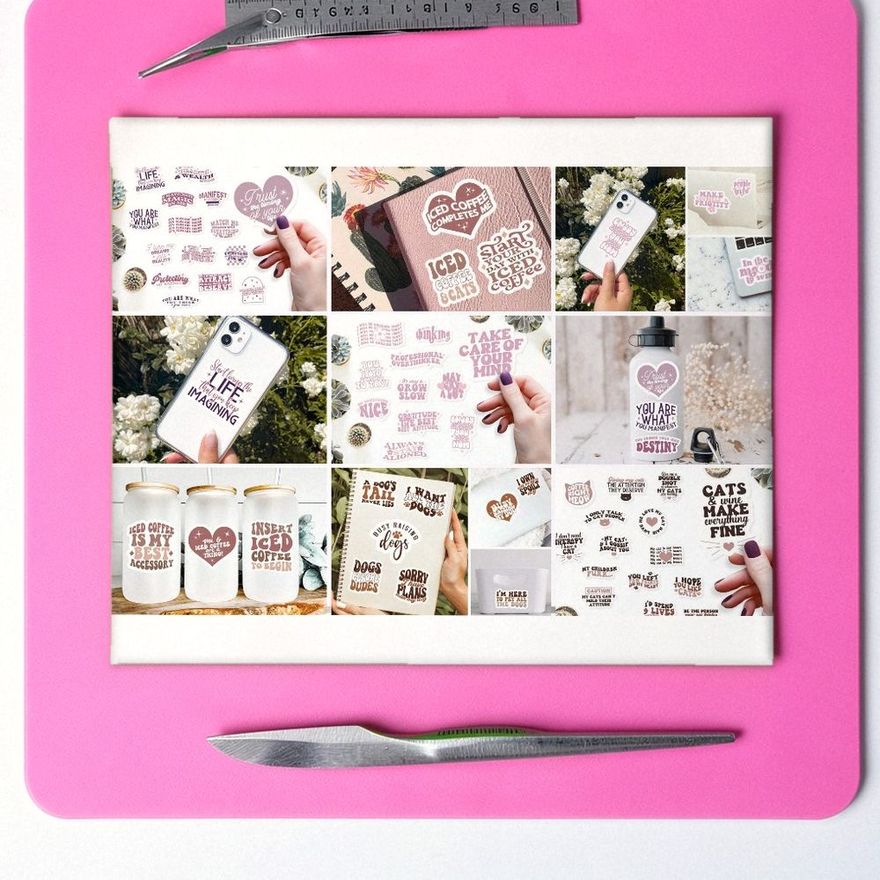
Water Bottle Stickers
See the listing ↗
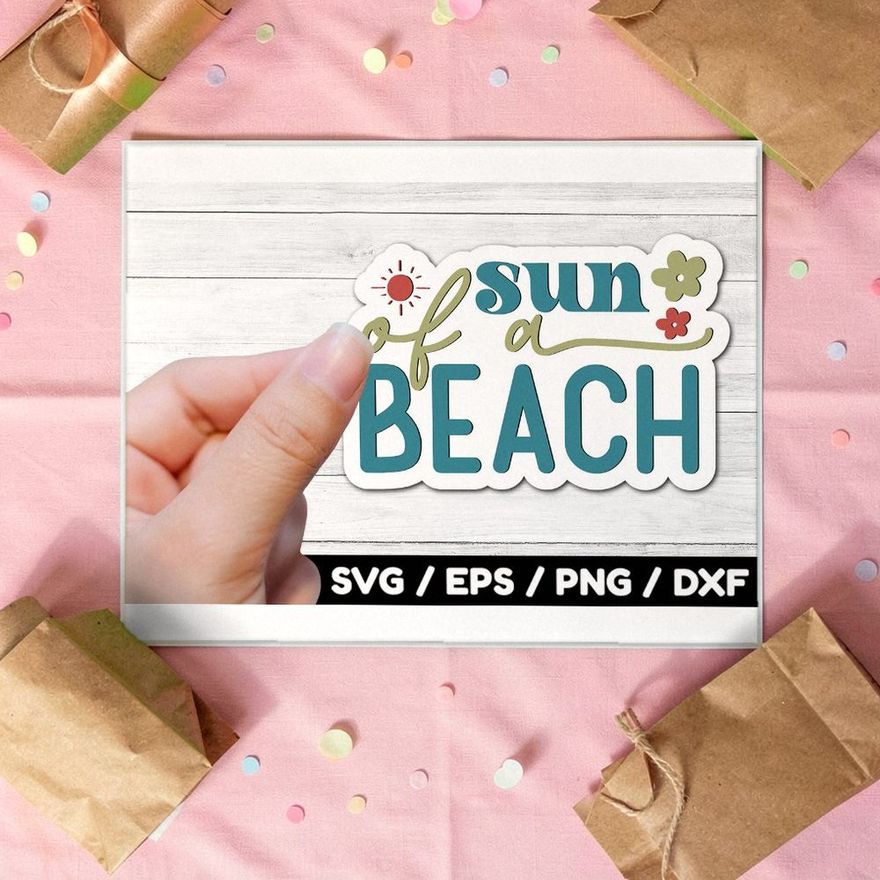
Sun of a Beach Retro Stickers
See the listing ↗
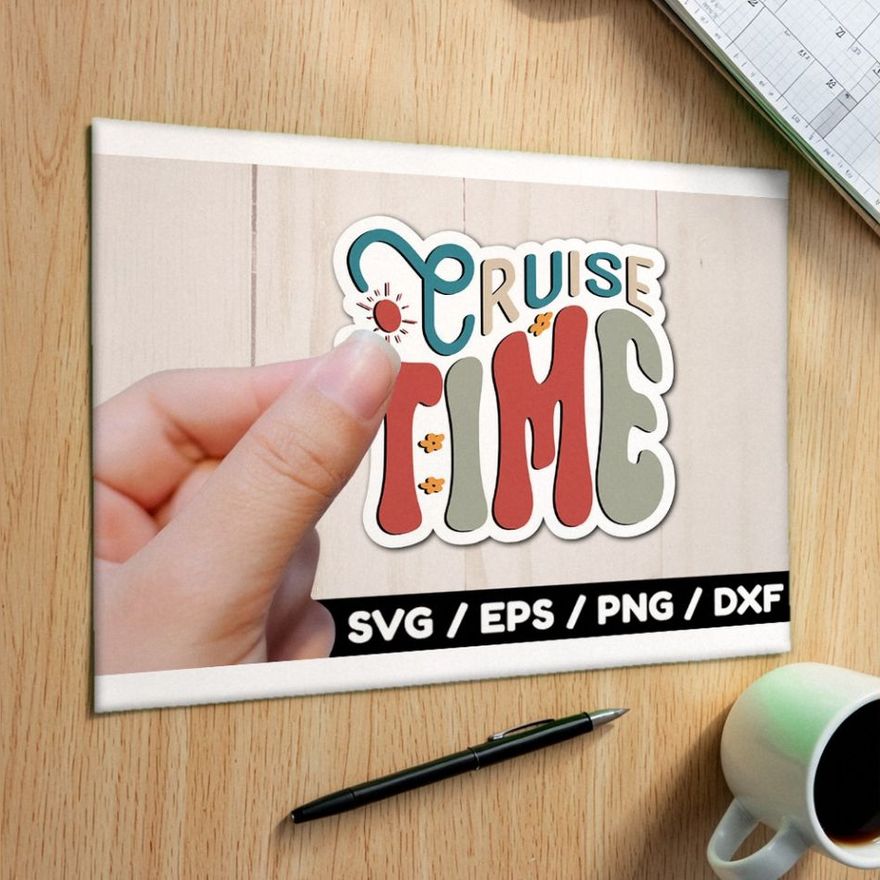
Cruise Time Retro Stickers
See the listing ↗From the collection Retro & Y2K Stickers. New Creative Fabrica members get 10 free downloads, and any of these can be one of them.
Lighter Options: Laminate on Paper and Spray Sealer
Laminate Over Paper Stickers
The same laminate sheet can go over matte or glossy sticker paper. It protects the printed face from splashes, fingerprints and scuffs.
It does not protect the edges. Once the sticker is cut, the paper core is open all the way around, and water that reaches it soaks inward under the laminate. The edges swell first, then lift. Use this for stickers that are handled a lot but stay mostly dry, such as notebooks and planner covers, not for anything that gets washed.
Clear Spray Sealer
A clear acrylic sealer in a spray can puts a thin protective coat over the print. It comes in matte and gloss, and some cans are labeled as UV-resistant.
- Work outdoors or in a well-ventilated space, with the printed sheet lying flat on cardboard.
- Hold the can at the distance given on the label and sweep past the edges of the sheet.
- Apply two or three light coats and let each one dry for the time the can states. Krylon lists its UV-resistant clear coating as dry to the touch in 10 minutes, at 55 to 75°F and humidity below 60 percent; Plaid gives 15 to 20 minutes for its Mod Podge sealer spray.
- Keep the first coat especially light. A heavy, wet coat can make dye ink bleed before the sealer sets.
- Let the sheet cure fully before cutting.
The result is splash resistance and some protection against rubbing. The makers word it carefully: Krylon calls its coating moisture-resistant, and Plaid says that Mod Podge is not waterproof. The coat is much thinner than a laminate film, so it wears through sooner, and on paper stickers the edges are still open. Test a scrap first, because some sprays change the color or finish of some papers.
Brush-on, water-based sealers are a poor match for inkjet prints, because brushing a wet medium across dye ink can smear it.
Start With Tougher Ink
A laser printer with laser-rated waterproof label film gives a print that does not run, with no sealing step. Toner, as Online Labels notes, is already waterproof. Ordinary inkjet vinyl must never go through a laser printer, as the heat can melt it and damage the machine. The types are compared in the best sticker paper.
A pigment-ink inkjet on printable vinyl is the other route. Pigment prints resist water much better than dye prints, though rubbing can still mark them. In both cases a laminate is still worth adding for stickers handled every day, since it also protects against scratches and sunlight.
The Methods Side by Side
| Method | Stands up to | Weak point | Use it for |
|---|---|---|---|
| Vinyl plus laminate | Splashes, gentle hand washing, rubbing | Dishwashers, long soaking, strong sun over time | Bottles, lunch boxes, laptops |
| Paper plus laminate | Splashes on the face, scuffs | Water entering at the cut edges | Notebooks, planner covers, dry labels |
| Vinyl plus spray sealer | Splashes, light wiping | Scrubbing and abrasion | Decorative stickers, jars washed rarely |
| Laser print on laser film | Water on the print itself | Scratches; toner can flake from smooth film if it was not fused well | Labels for jars and containers |
Dishwashers, Soaking and the Outdoors
A dishwasher combines hot water, strong detergent, spray pressure and a long cycle. Heat softens sticker adhesive, and detergent finds its way under edges. Some laminated vinyl stickers come through and others lift on the first cycle, so treat survival as luck. Cricut says the same of its waterproof sticker sets: the heat and detergents may shorten their life, so wash by hand. Do that with any stickered bottle or mug, and do not leave it soaking.
Dye inks fade in direct sun, pigment inks hold out longer, and a UV-resistant laminate slows fading for both. Cricut rates its laminated sticker set as UV resistant for up to two years, yet warns that colors may still fade because inks vary. A home-printed sticker on a car, a mailbox or a garden pot will fade and wear well before a commercial decal would. Plan to replace it.
Apply It So Water Cannot Get Under
A well-sealed sticker still fails if its edges are not stuck down.
- Clean the surface. Wipe it with rubbing alcohol and let it dry.
- Choose smooth surfaces. Stickers grip poorly on silicone sleeves and rough, textured coatings.
- Round the corners. A sharp corner is where peeling starts.
- Press from the center outward, then run a fingernail around the edge.
- Wait before washing. Sticker adhesive keeps strengthening after you apply it. 3M's figures for its pressure-sensitive adhesives: about half the final bond after 20 minutes, 90 percent after 24 hours, all of it after 72. Cricut asks for 24 to 48 hours before its dishwasher-friendly vinyl is washed. Give a new sticker a day, or three if you can.
Make one test sticker before a whole sheet. Stick it on a drinking glass, wait a day, then hold it under the tap and rub it with your thumb. Thirty seconds tells you whether your paper, ink and sealing method work together.
Materials for Water-Resistant Stickers
These are the materials for the methods compared above. A felt-edge squeegee presses the laminate down from one side so less air is trapped.
 Matte printable vinyl for inkjetJOYEZASee it on Amazon
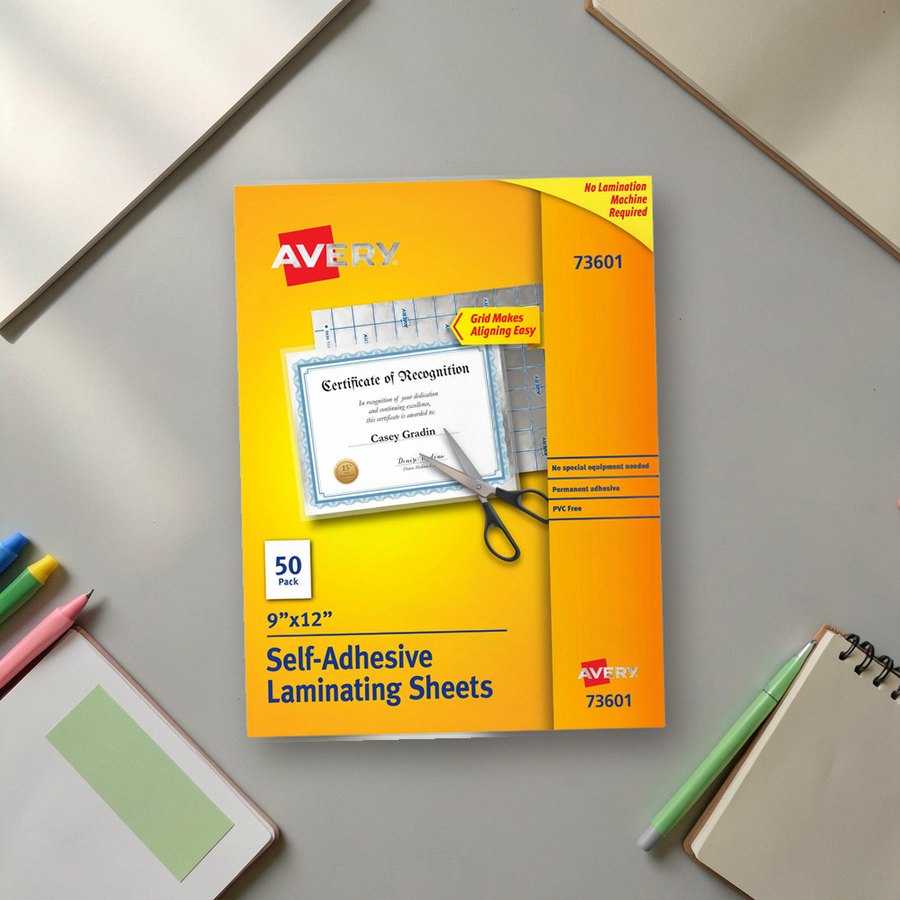 Self-adhesive clear laminating sheetsAverySee it on Amazon
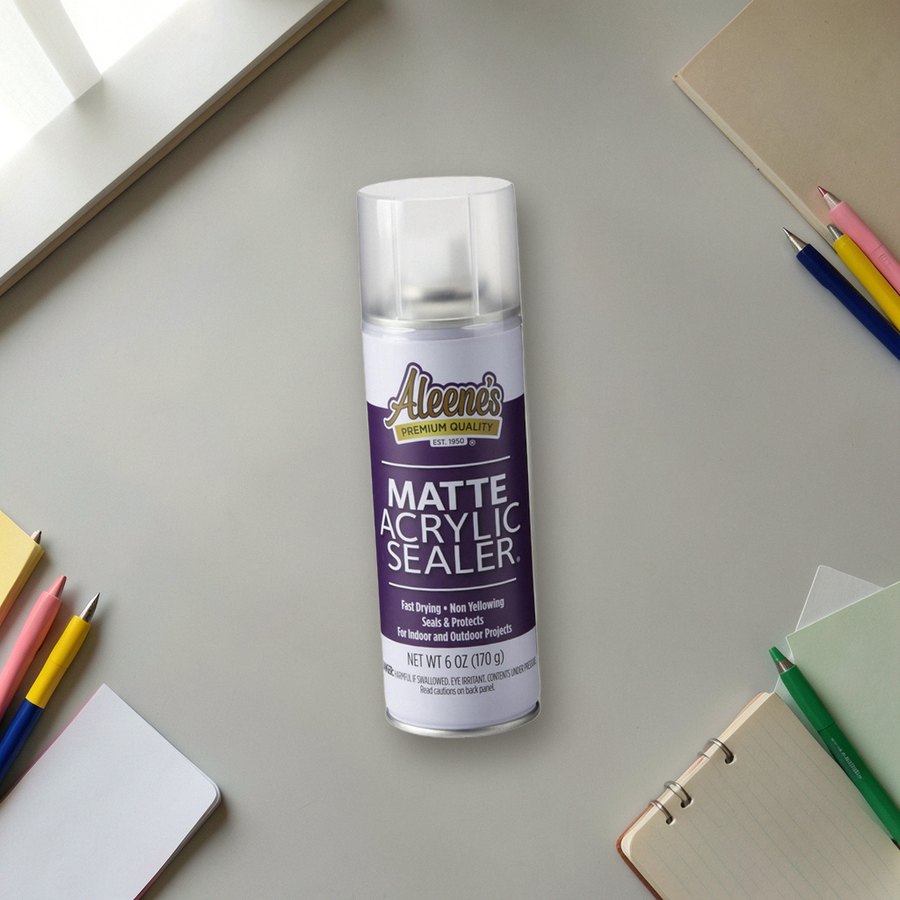 Matte acrylic sealer sprayAleene'sSee it on Amazon
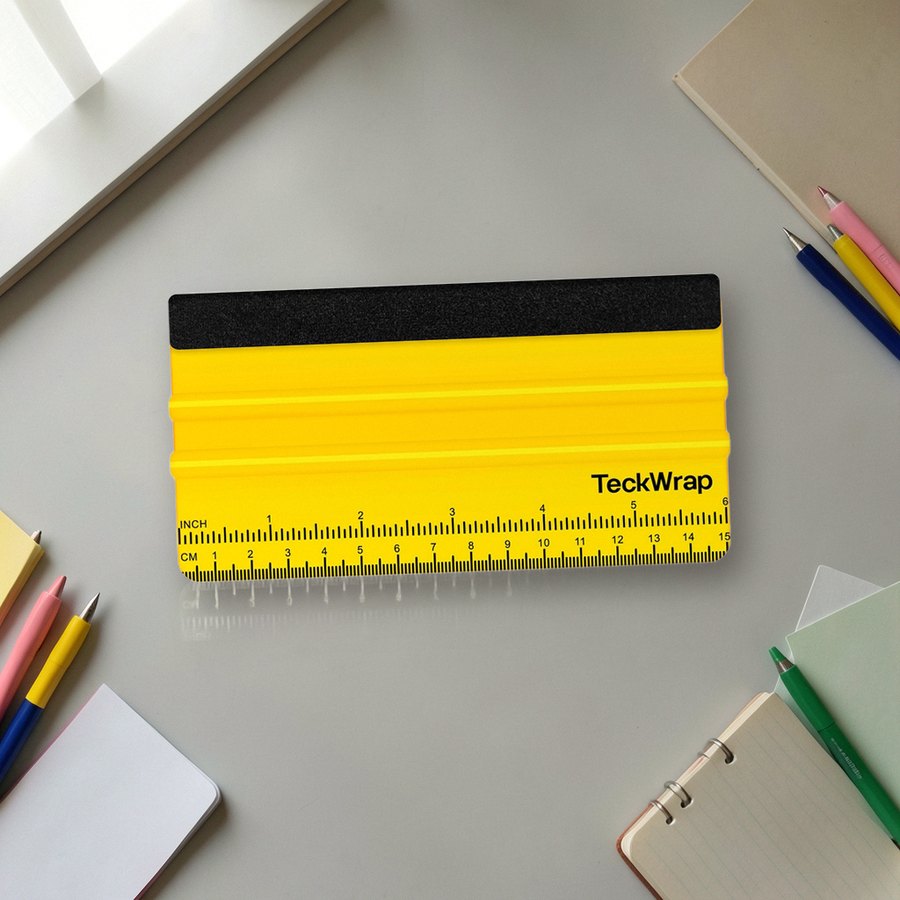 Felt-edge squeegee for vinylTECKWRAPSee it on Amazon
As an Amazon Associate we earn from qualifying purchases.
What to Make First
Print one sheet on vinyl, laminate half of it and leave the other half bare, and run the tap test on a sticker from each half. Then pick designs that deserve the effort from the retro and Y2K stickers, and once a set is on a laptop or bottle, laptop sticker ideas covers how to arrange them.
 Printable Stickers12 hand-picked · open the collection →
Sticker Sets From This Article
 Retro & Y2K Stickers21 hand-picked · open the collection →Printable Stickers12 hand-picked · open the collection →